Know how directly from the Microsoft 365 mail merge experts
Send a Mass Email Individually in Outlook (Hide Recipients)
By Alex Duggleby · Founder, SecureMailMerge
TL;DR
- To send a mass email individually, so no recipient sees anyone else, do not use To or CC with a long list.
- BCC hides addresses but produces an impersonal “undisclosed recipients” email that can look like bulk mail to spam filters.
- A mail merge is the clean answer: every recipient gets their own personal email, addressed only to them.
You need to email a list of people, but they must not see each other’s addresses. What is the right way in Outlook?
Putting everyone in the To field is the classic mistake: it exposes every address to every recipient, which annoys people and, for customer lists, can be a data protection violation. Here are the two real options, and why one of them is almost always better.
Option 1: BCC (works, but looks like spam)
Address the email to yourself and put the whole list in BCC. Nobody sees the other recipients.
The problems:
- The email typically arrives addressed to “undisclosed recipients” or to your own address, not to the recipient. People notice, and it reads as a broadcast.
- Mass BCC is a common bulk-mail pattern, so it can look like bulk mail to spam filters and more of your emails can end up in junk folders.
- Zero personalization: you cannot open with the recipient’s name or reference their data.
- One wrong paste into To instead of BCC and the entire list leaks.
BCC is acceptable for a quick one-off notice. For anything that represents you or your business, there is a better way.
Option 2: Mail merge (each person gets their own email)
A mail merge sends a separate, individual email to every recipient. Each message is addressed only to that person, so there are no other addresses to hide in the first place, and each email can be personalized with their name or any other data.
Each recipient sees a normal one-to-one email, and replies land in your inbox as individual conversations. Your recipient list stays private by design.
What Outlook and Word can do on their own
Outlook itself has no mail merge. Without an add-in you have two built-in choices:
- BCC, as described above. Quick, but impersonal.
- The Word mail merge, which pulls names from a list into a Word document and sends one email per person through Outlook. It works only with desktop Outlook, meaning Classic Outlook on Windows or Outlook for Mac, set as your default mail app. It does not work with New Outlook or Outlook on the web.
Why you may need SecureMailMerge
The Word merge only works with desktop Outlook, because New Outlook cannot receive messages from Word. It also makes per-recipient attachments awkward and gives you no step to review who is about to receive the email. That is why an add-in is the easier route: SecureMailMerge runs inside Outlook itself, in New Outlook, Classic Outlook, Outlook for Mac and Outlook on the web. It needs a Microsoft 365 work or school mailbox.
How to send individually with SecureMailMerge
Step 1: Put your recipients in a spreadsheet
Use a spreadsheet with a To column, plus columns like FirstName for personalization. Or pick recipients straight from your Outlook contacts.
Step 2: Open a new email and upload the spreadsheet
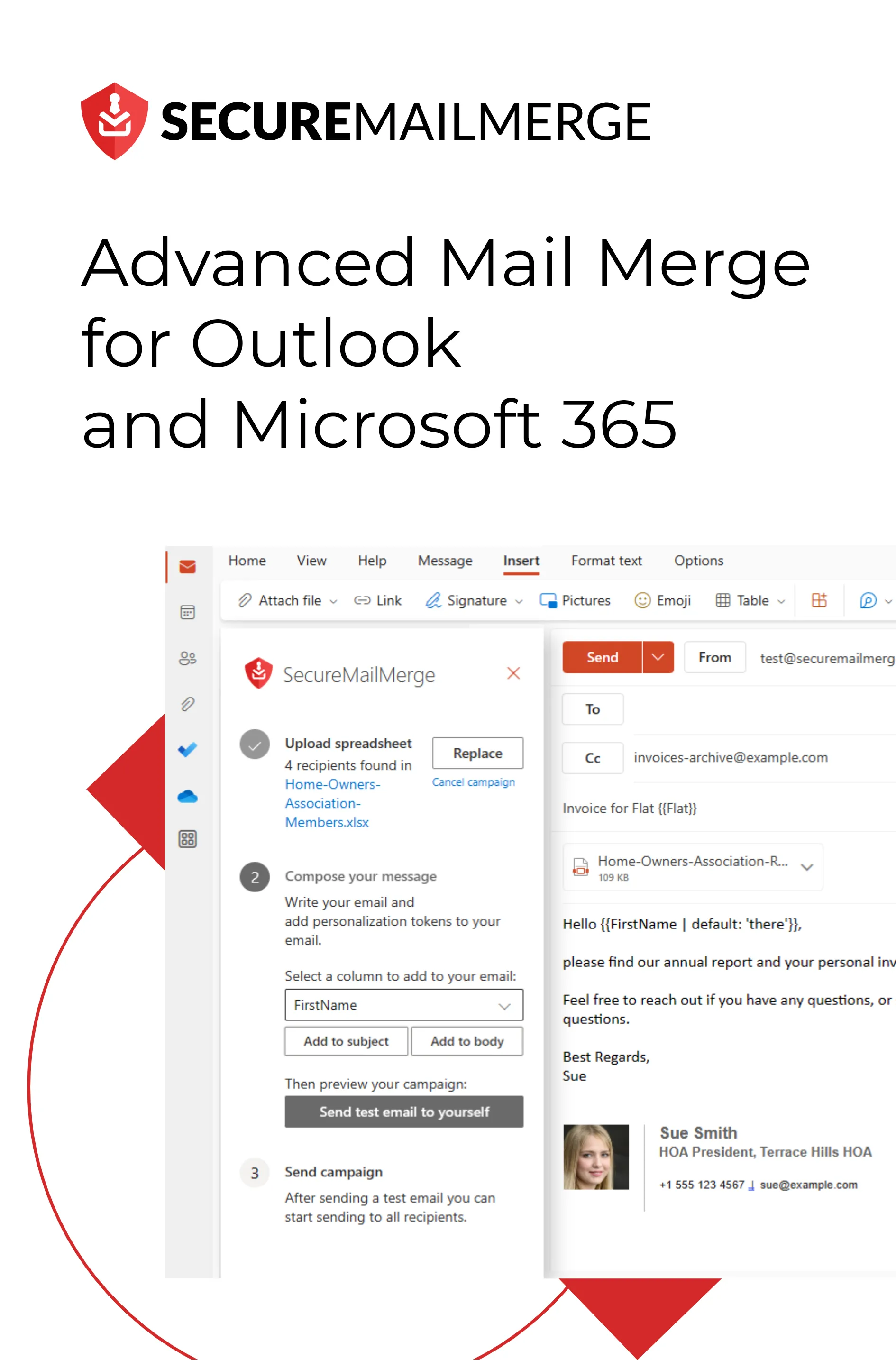
Open a new email in Outlook, start the campaign manager, and upload the spreadsheet.
Step 3: Write one email with merge fields
Write the email once using merge fields: “Hi {{FirstName}}, …” becomes “Hi Anna, …” for Anna and “Hi Ben, …” for Ben.
Step 4: Review your recipients and send
Review your recipients, unselect anyone who should not receive this send, and send. Outlook delivers one individual email per person from your own mailbox.
Individually sent, personally addressed
Because SecureMailMerge sends real individual emails through your own Microsoft 365 account, there is no “undisclosed recipients” header and no exposed list of recipients.
What else you get from individual emails
Hiding recipients is the reason people search for this, but personalization is what makes individually sent email worth it: greeting each person by name, referencing their company, invoice number, or event, even attaching a different file per recipient. Individually addressed and personalized emails also tend to do better against spam filters than a BCC blast; see how to avoid landing in spam.
For a comparison of all mass email methods in Outlook, including contact groups, see how to send a mass email in Outlook.
Frequently asked questions
How do I send a mass email in Outlook without showing the other recipients?
Either put the list in BCC (fast but impersonal, and prone to spam folders) or send a mail merge so each person receives their own individual email. The mail merge is the better option for anything customer-facing.
Can Outlook send a mass email individually without an add-in?
Not comfortably. The built-in route is the Word mail merge. It works only with desktop Outlook, meaning Classic Outlook on Windows or Outlook for Mac, set as your default mail app. It does not work with New Outlook or Outlook on the web. An add-in like SecureMailMerge works in every Outlook version (New, Classic, Mac and web) with a Microsoft 365 work or school mailbox; see the complete guide.
Is BCC or mail merge better for hiding recipients?
Both hide the list, but a mail merge also personalizes each email, avoids the “undisclosed recipients” look, and removes the risk of pasting the list into the wrong field.
How many individual emails can I send at once?
Microsoft 365 work and school accounts allow 10,000 recipients per rolling 24 hours by default; your admin can set lower limits. The numbers and how to stay under them: Outlook email sending limits.
Enjoyed this article?
We have a whole library of useful articles for you to read
Show me the library of Outlook articles